01 Live
Background-safe recording
One tap to start / stop. Keeps recording when locked or backgrounded; audio files are stored locally on your device.
and give meeting hours back to real work
Start recording with one big button — it keeps going when your phone is locked. Afterwards, get an AI transcript, a crisp summary, checkable action items and topic tags, then export PDF / Markdown to share. Recordings stay on your device by default; audio or text is only sent to third-party AI providers (OpenAI, Google) when you explicitly request transcription or a summary and consent in-app.
iOS 15.1+ · Transcription supports English, Chinese, Japanese, Spanish and more
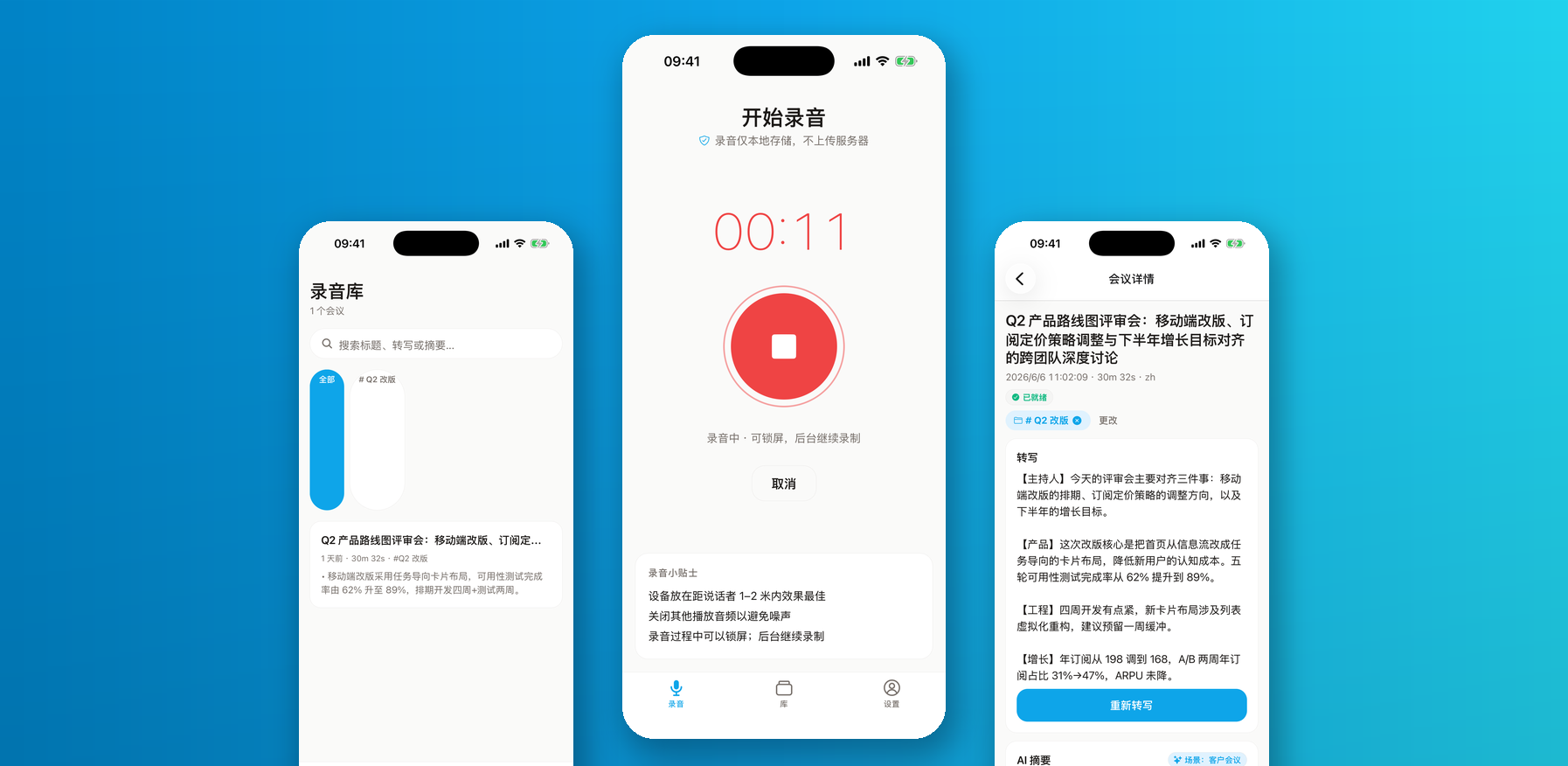
Six capabilities covering the full meeting-notes loop, from record to share
One tap to start / stop. Keeps recording when locked or backgrounded; audio files are stored locally on your device.
Speech-to-text in English, Chinese, Japanese, Spanish and more, with automatic language detection.
One tap turns the transcript into a tight summary plus checkable to-dos with owner and due hints.
Client calls / standups / interviews / lectures / personal notes — summaries adapt their structure to your scenario.
Every meeting persists locally. Search titles, transcripts and summaries with highlighted snippets.
Export polished notes as PDF or Markdown and share via the system share sheet.
Record it, transcribe it, send it — AI takes the notes
Tap the big button and run your meeting; recording survives lock screen. You land on the meeting page when done.
Tap Transcribe, then Summarize: full transcript, summary, action items and tags (we ask for your consent before the first AI call).
Check off done items, export PDF / Markdown, and share the minutes with your team.
Roadmap · We only promise what we are actually building
A local notification nudges you when a meeting ended without a summary.
Export minutes for a whole project or tag as one bundle.
An Android build is being planned.
The roadmap rolls forward with each release; in-app announcements are authoritative.
Subscriptions are handled by the App Store. Cancel anytime. Prices shown in USD; your store's local currency applies.
Everything you need for light note-taking
For people who live in meetings
Pro Weekly is also available at $1.99 / week for short sprints
Get startedBest value for a full year of meetings
Audio files stay on your device by default — there is no automatic background upload. Only when you explicitly tap Transcribe or Summarize and consent in-app is the audio or text sent to our AI gateway and processed by third-party AI providers (OpenAI, Google). Results are written back locally; original data is not persistently retained server-side.
Free includes 3 AI summaries per day, resetting at local midnight. Recording, transcription, search and export do not count against it. Pro removes the daily cap.
Yes. Go to Settings → Compliance → AI data-sharing consent to withdraw anytime. AI transcription and summaries are disabled afterwards; everything else keeps working.